Important Notes for Student Registration
1. Select “Student” for “Level of management or supervisory responsibirities”.

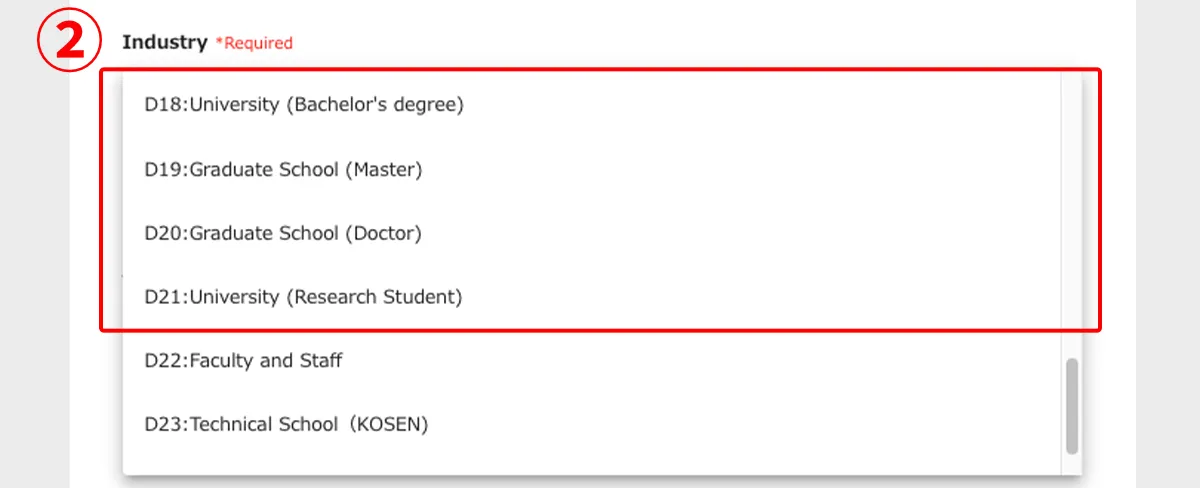
2. Select your school for "Industry".
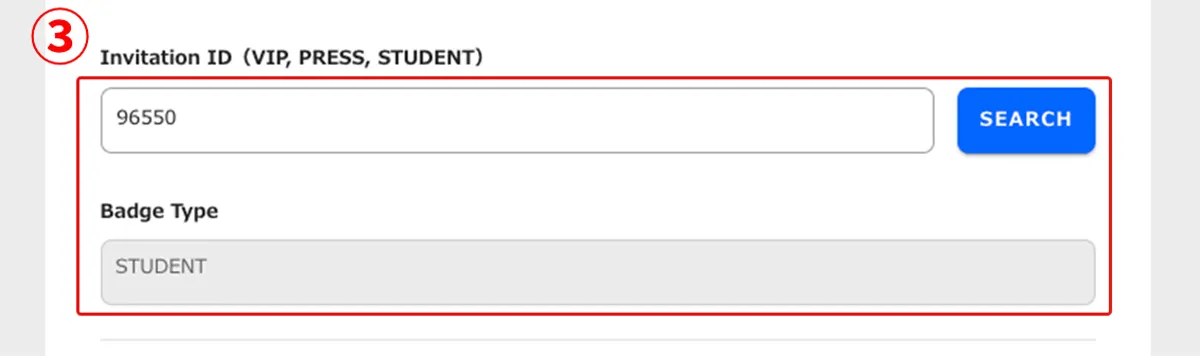
3. Enter the Student Invitation ID (96550) and click the search button. Then, the “Badge Type” will be displayed as “STUDENT” below.
* If you do not enter the Student Invitation ID, “STUDENT” will not appear on your visitor badge, and you will not be eligible for student-only benefits.
How to print Student Badge
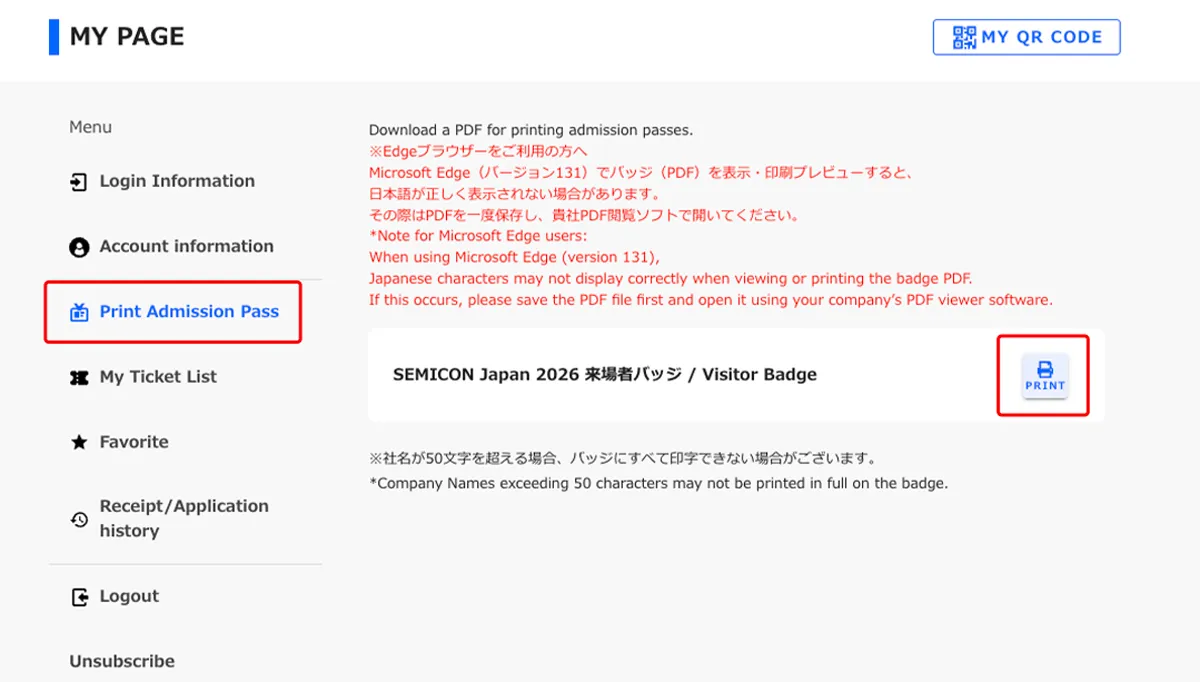
Log in to MY PAGE. Youn can download the badge PDF from MY PAGE, print it, and bring it with you to the venue.